GiMATE AI Mate: Smarter Laptop Control for Gaming, Work, Study, and Everyday Use
- ##GIGABYTE
- ##GIGABYTEAI
- #AI Computer
- #AI Laptop
- #AI Productivity
- #Best Laptop
- #Creator Laptop
- #Creators
- #Gamers
- #Gaming Laptop
- #GiMATE
- #GiMATE Tutorial
- #GiMateDoesItAll
- #Smart Laptop
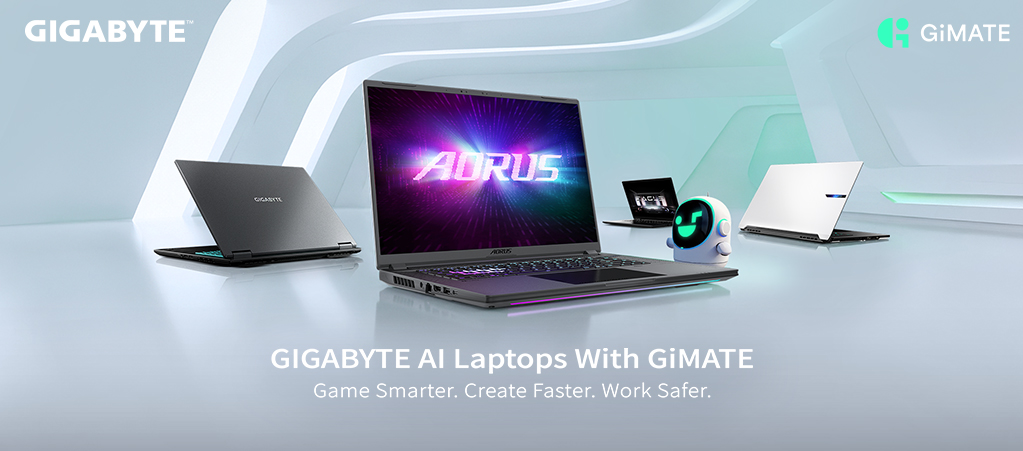
A laptop is no longer used in one fixed way. In a single day, users may play AAA games, join meetings, take classes, write reports, stream videos, and work on the go. Each scenario demands a different balance of performance, power, visuals, audio, privacy, and comfort.
That is why GiMATE matters.
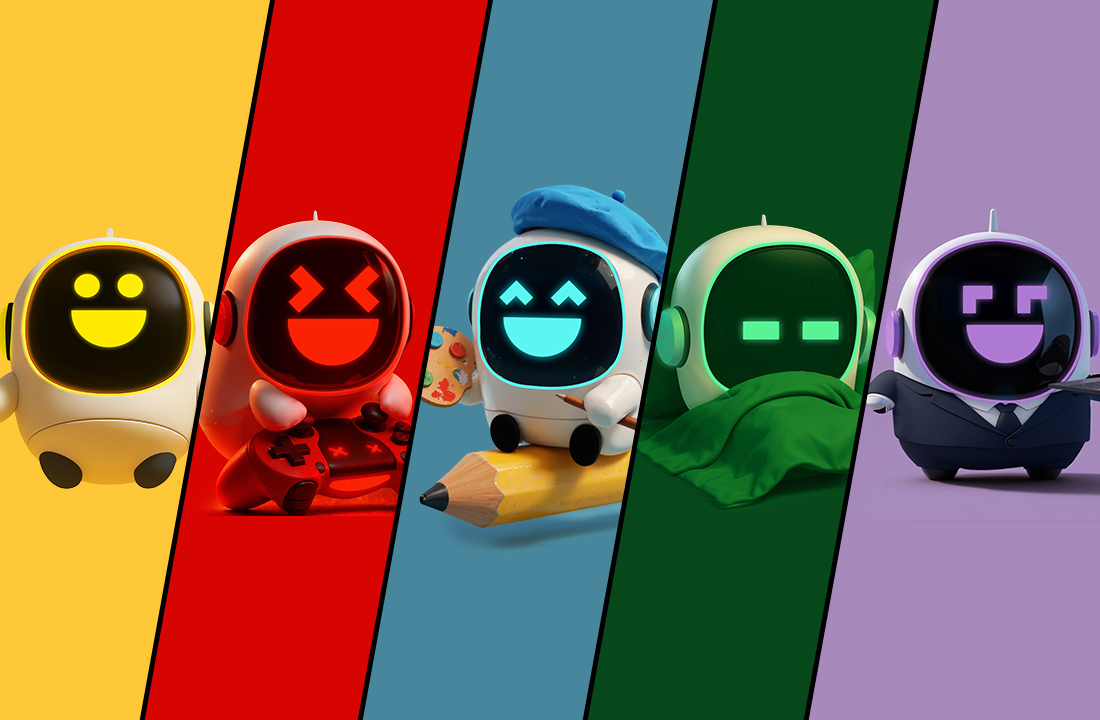
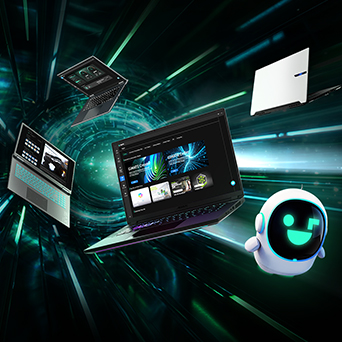
GiMATE is GIGABYTE's AI laptop assistant, designed to make everyday laptop control easier. Instead of digging through different settings, users can rely on GiMATE to help the laptop adapt to how they use it, from gaming and productivity to privacy and OLED display care.
GiMATE for Gamers: Game Smarter
For gamers, performance is not just about having the latest CPU or GPU. The real experience depends on how quickly the laptop can switch into the right gaming setup, including performance behavior, graphics output, power use, visuals, and lighting.
GiMATE helps reduce manual setup, so gamers can spend less time adjusting settings and more time playing.
.jpg)
-
AI Performance
AI Performance helps users match the laptop's behavior with different scenarios, including Game Mode, Creator Mode, Power Saving Mode, and Online Meeting Mode. For gaming, Game Mode brings performance, graphics behavior, power settings, and cooling into one game-ready setup.
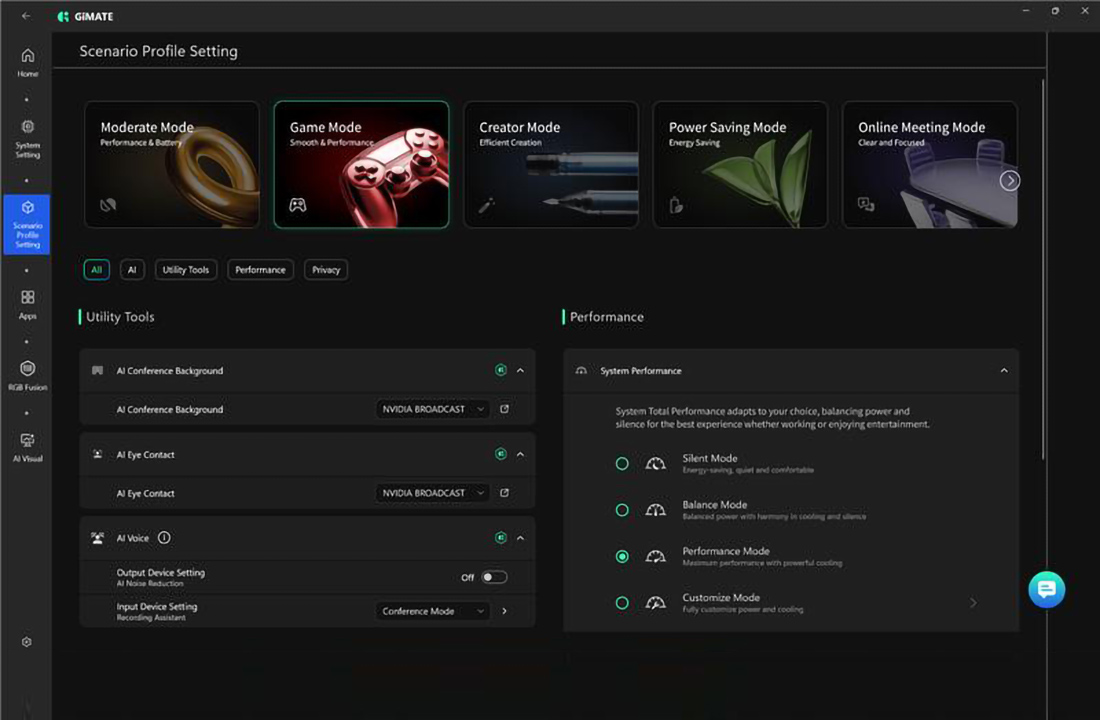
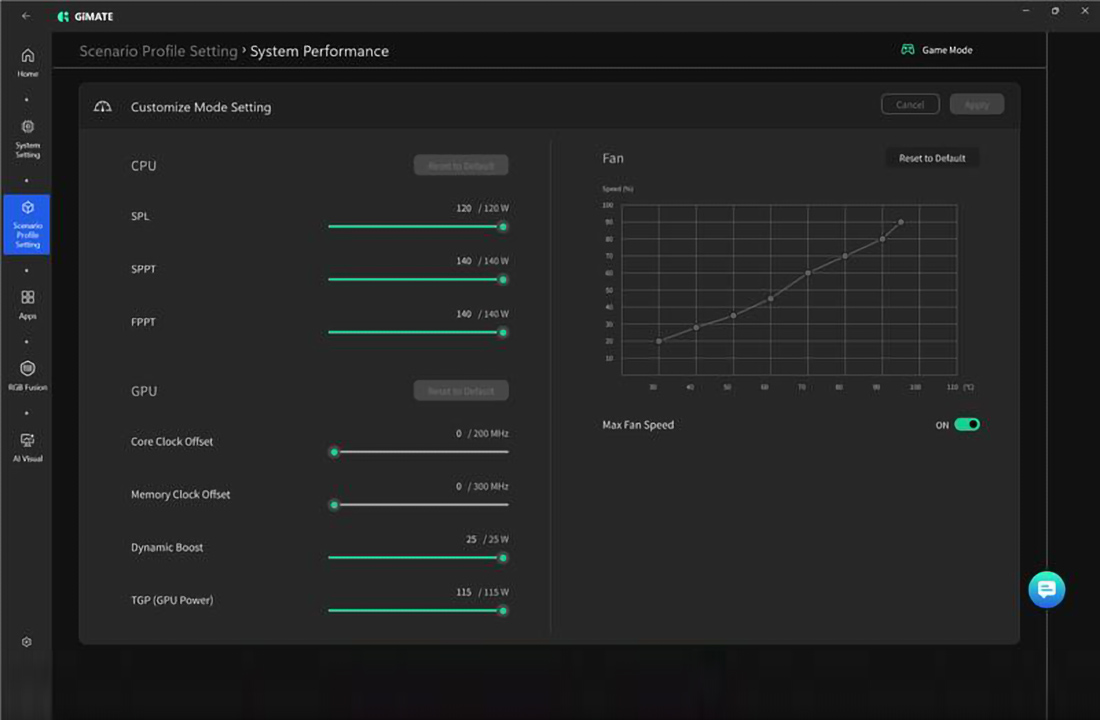
For users who want more control, the system performance profiles include Silent, Balance, Performance, and Customize Mode, allowing them to choose between quieter operation, everyday balance, stronger output, or deeper manual tuning. On AORUS MASTER 16 GEN 2, Customize Mode gives advanced gamers more flexibility to adjust GPU power, fan curves, cooling, and noise for different games or workloads
-
AI Power Gear III x MUX Switch
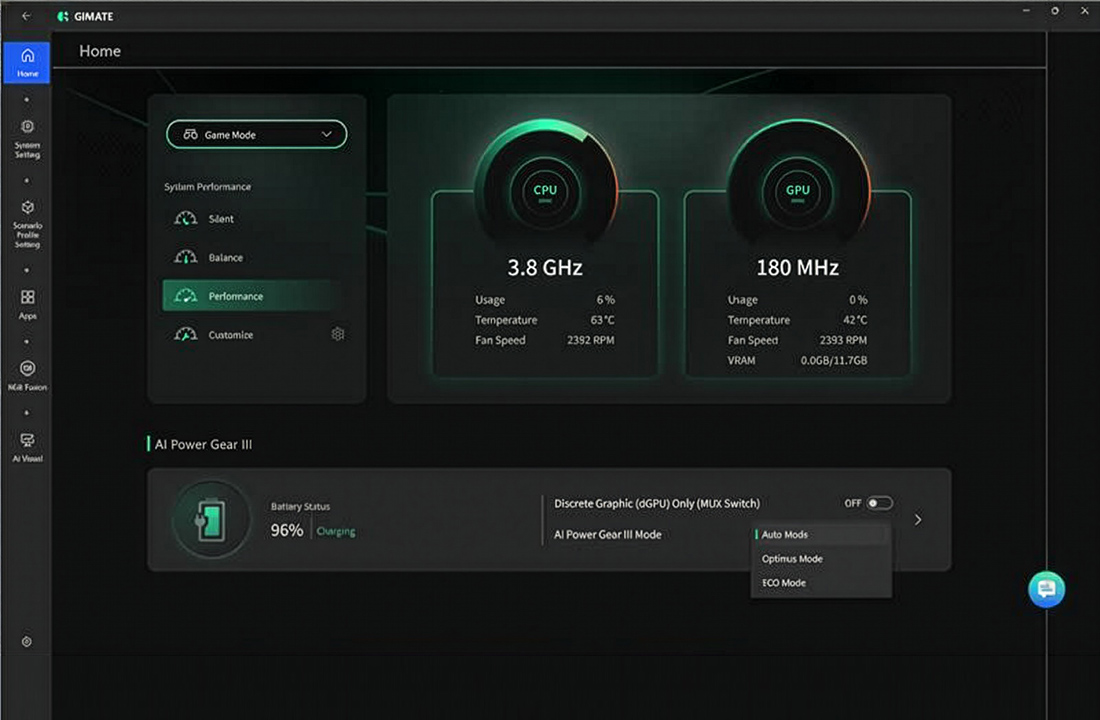
AI Power Gear III helps manage graphics and power behavior, while MUX Switch gives users more control over GPU usage. When gamers want maximum graphics performance, they can enable Discrete Graphic (dGPU Only) Mode to prioritize the dedicated GPU. When they are not gaming, they can switch to a more power-saving mode like Auto Mode for better battery life.
-
AI Visual
AI Visual lets users switch screen color modes based on different games and content. FPS Mode helps improve visibility in shooting games, while Racing, RPG, Cinema, Scenery, and Vivid modes adjust the display for different visual experiences. Users can also choose Eyecare, E-Paper, or Custom for longer viewing, reading, or personal preferences.
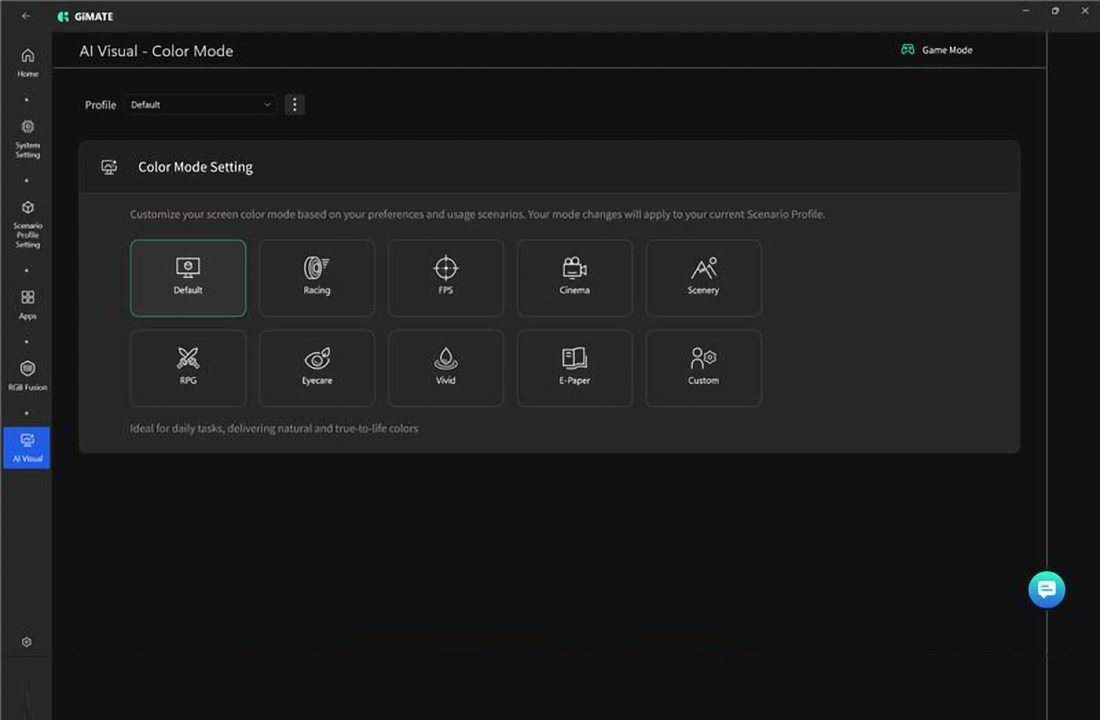
By matching the screen mode to the scenario, AI Visual helps gameplay look clearer, more comfortable, and more immersive.
-
RGB Fusion 3.0
RGB Fusion 3.0 lets users customize lighting effects, colors, brightness, and different lighting areas, including the keyboard, lightbar, strip, and front logo. The new Music Mode makes lighting react to sound, creating a more dynamic gaming and entertainment atmosphere.
.jpg)
With GiMATE, gamers can switch into the right setup faster, with easier performance control, flexible GPU switching, clearer visuals, and personalized lighting
GiMATE for Students & Workers: Balance Work, Study, and Entertainment
Today's laptops need to keep up with how people actually use them. A single device may handle online classes, meetings, writing, browsing, streaming, entertainment, and mobile work throughout the day. In these moments, battery life, quiet operation, clear voice pickup, and better audio can matter just as much as raw performance. GiMATE helps the laptop adapt across study, work, and entertainment, reducing the need to adjust system settings every time the task changes.
- AI Performance x AI Power Gear III
GiMATE helps adjust performance, GPU usage, battery life, and fan behavior based on what users are doing. When heavier workloads need more power, the laptop stays ready for stronger performance. For lighter tasks such as writing, browsing, video calls, or streaming, Auto Mode and ECO Mode help reduce unnecessary power use, extend battery life, and keep operation quieter.
.jpg)
- AI Voice
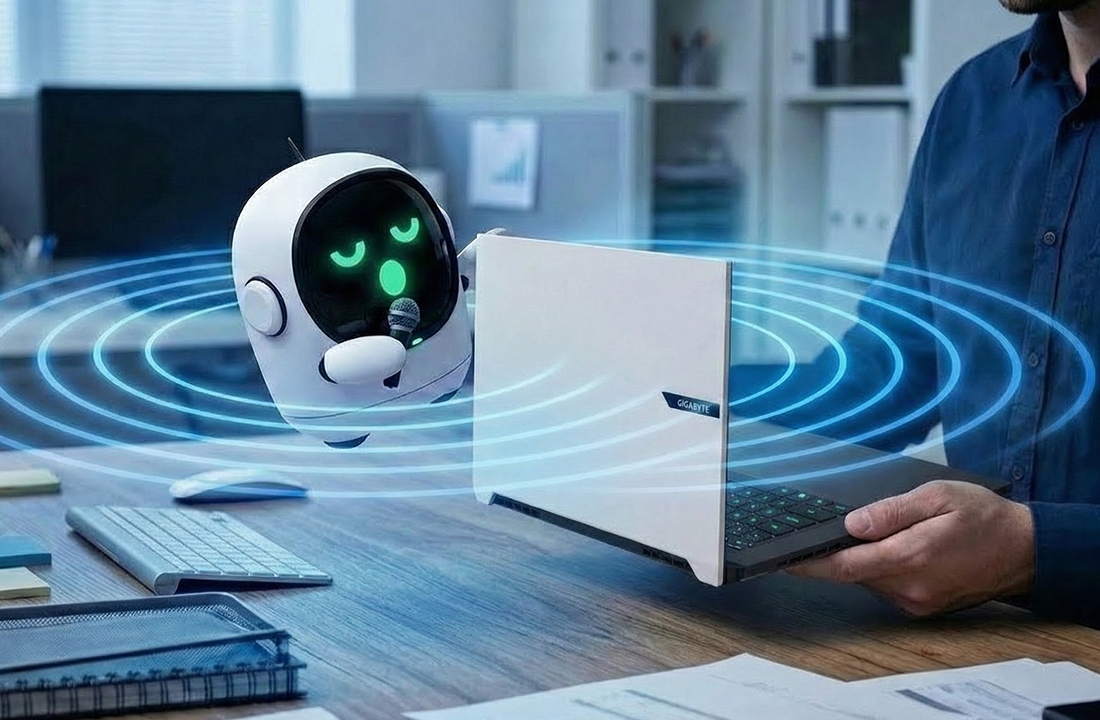
AI Voice improves voice clarity by reducing background noise and focusing on the user's unique voice print. This helps users sound clearer during meetings, online classes, calls, and remote collaboration without needing an ideal recording environment.
- AI Audio
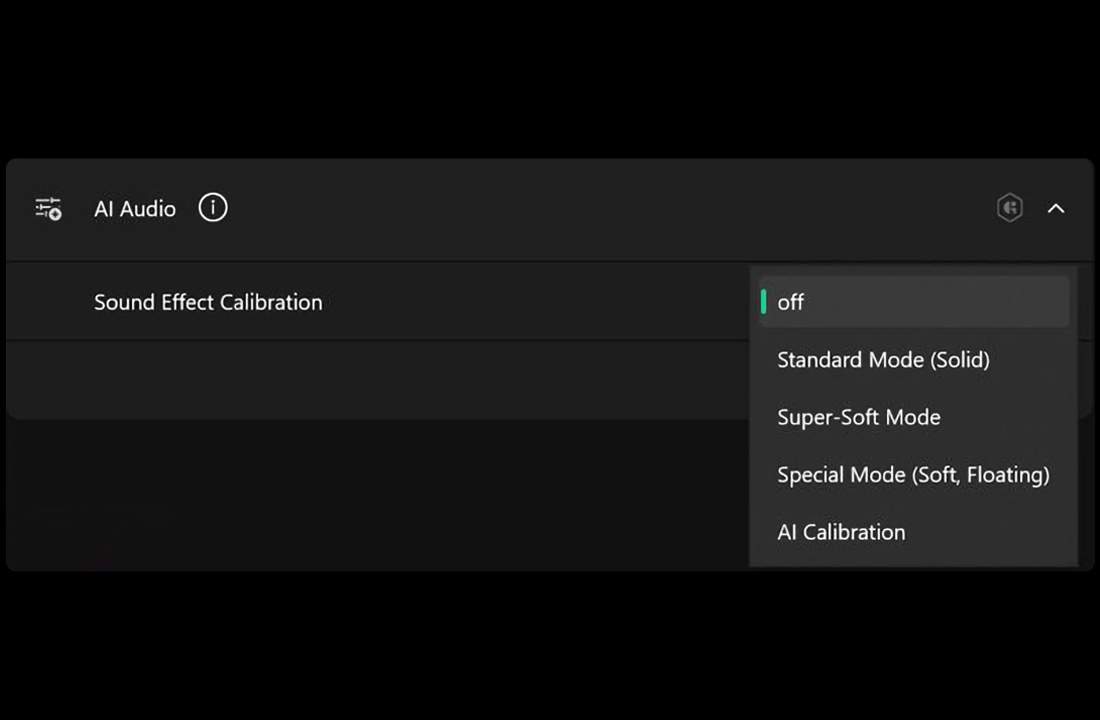
AI Audio optimizes sound based on how and where the laptop is placed. Whether users are joining a presentation, watching a video, listening to music, or taking a class, GiMATE helps deliver a more consistent audio experience
Together, these features help users move more smoothly between learning, working, communicating, and entertainment with longer battery life, quieter operation, clearer voice, and better sound.
GiMATE for Everyone: Use Safer
As laptops become part of more personal and professional workflows, everyday protection matters more. Users are not only storing files or browsing the web; they are handling private messages, creative ideas, work documents, AI-generated content, and long hours of screen time.
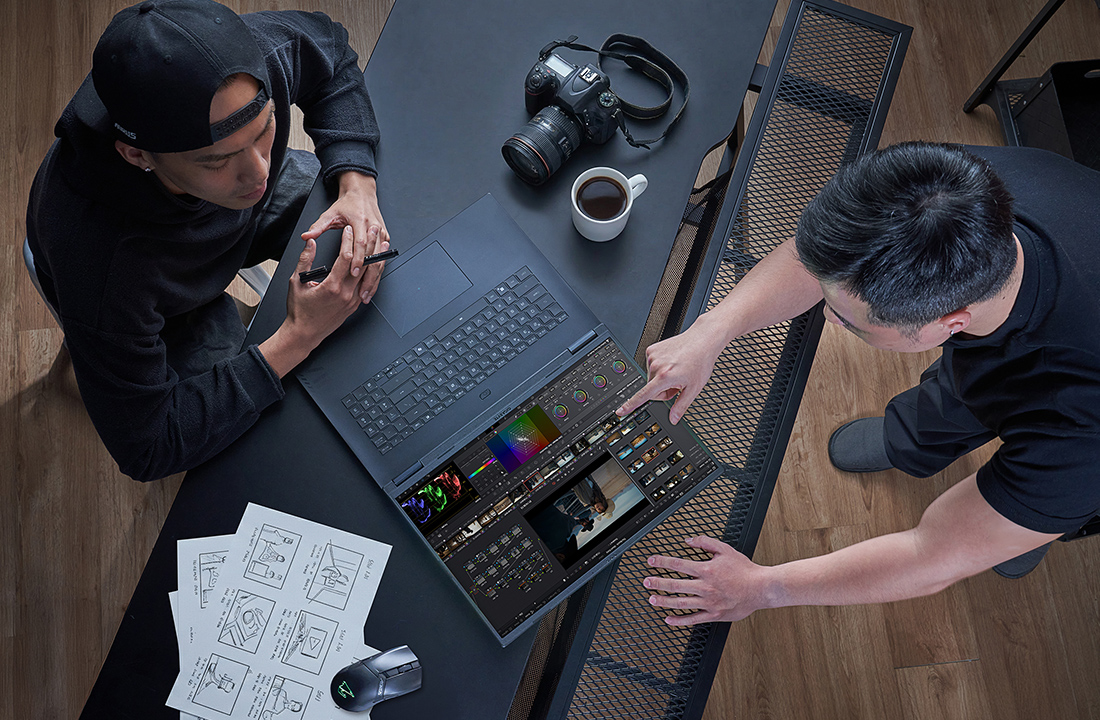
GiMATE helps make the laptop feel safer and more controlled through local AI, privacy protection, and OLED display care.
- Local AI
Local AI allows selected AI tasks to run directly on the laptop instead of relying fully on cloud-based tools. This gives users more control over supported workflows, especially when working with personal ideas, creative projects, or sensitive content.
- AI Privacy
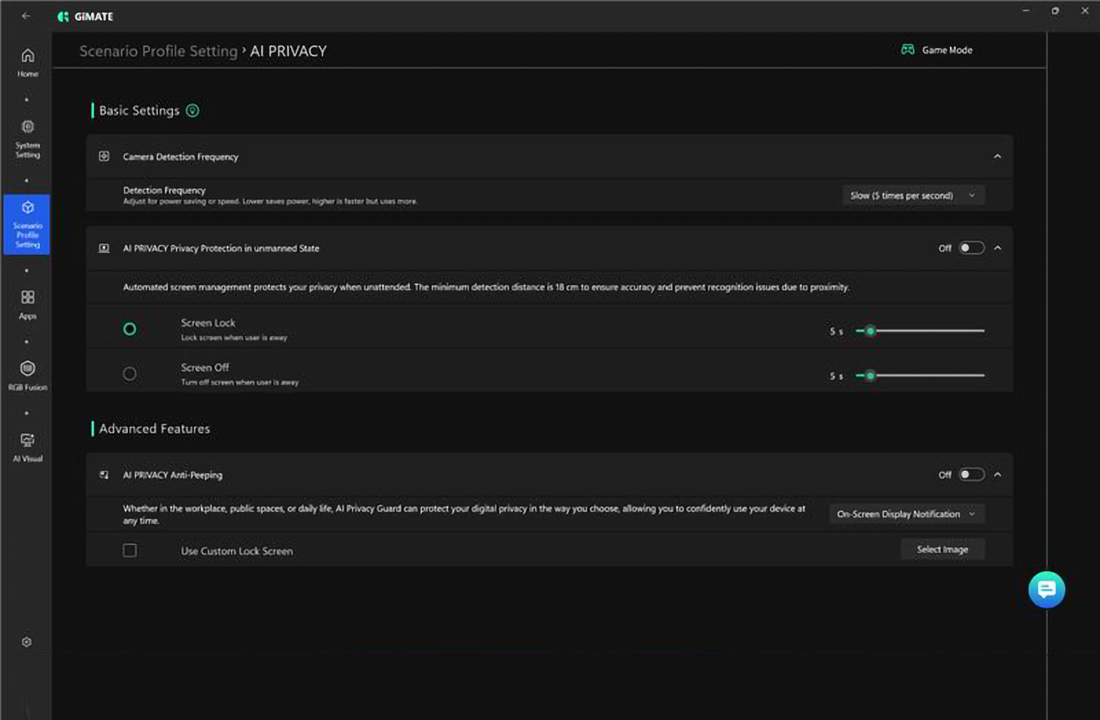
AI Privacy helps protect sensitive content when the laptop is used around other people. With Anti-peeping, GiMATE can detect nearby viewers or screen peeking, then respond with privacy actions such as Screen Lock, On-screen Notification, or a selected image pop-up to cover sensitive content.
- OLED Protector
OLED Protector helps reduce burn-in risk during long-term use. Features such as Pixel Shift, pixel refresh, and static-area dimming work in the background to help protect the panel, so users can enjoy OLED's vivid color and contrast with more peace of mind.
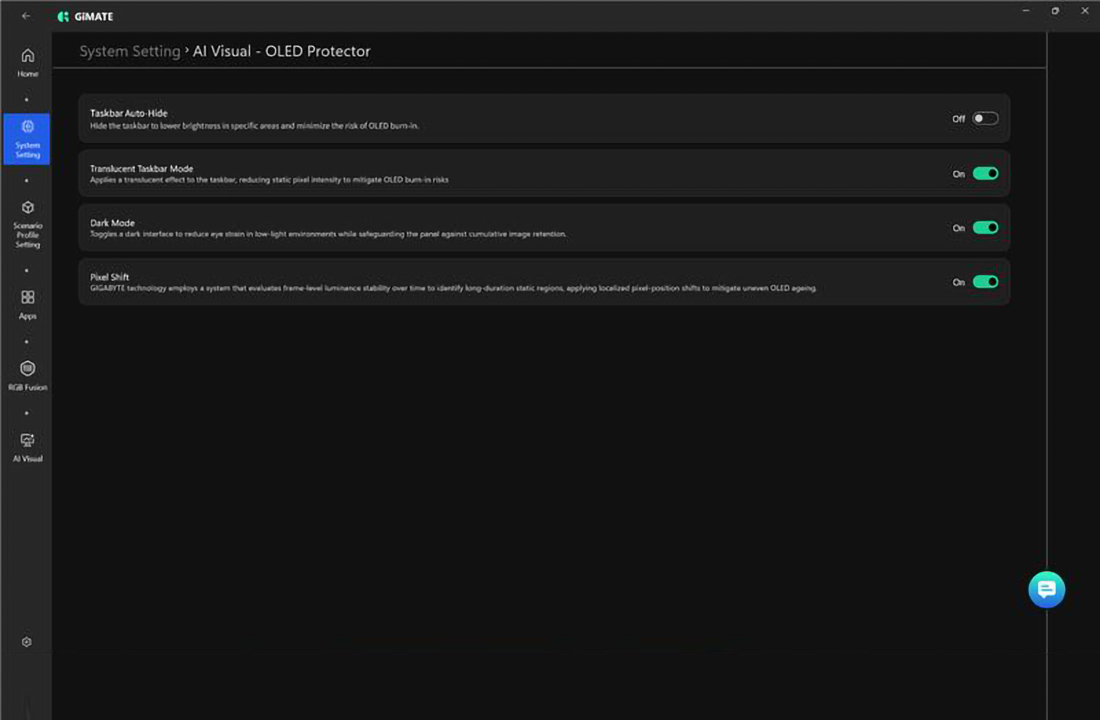
GiMATE helps users keep more control over their laptop experience, from local AI workflows and screen privacy to long-term OLED display protection.
A Better Way to Control Your Laptop
GiMATE is not just another AI feature. It is a smarter control layer that helps the laptop adapt to how people actually use it.
For gamers, GiMATE helps the system get ready for play with better performance control, graphics switching, visuals, and lighting. For students and workers, it improves battery use, meeting quality, audio, and quiet operation. For everyday users, Local AI, AI Privacy, and OLED Care add more confidence to daily laptop use.
As laptops become central to gaming, work, study, entertainment, and AI-powered tasks, users need more than raw performance. They need a system that can adapt to them.
With GiMATE, GIGABYTE laptops become smarter and safer companions for everyday use.
Discover laptops with GiMATE
Explore GIGABYTE AI laptops designed for smarter gaming, work, study, entertainment, and everyday control